

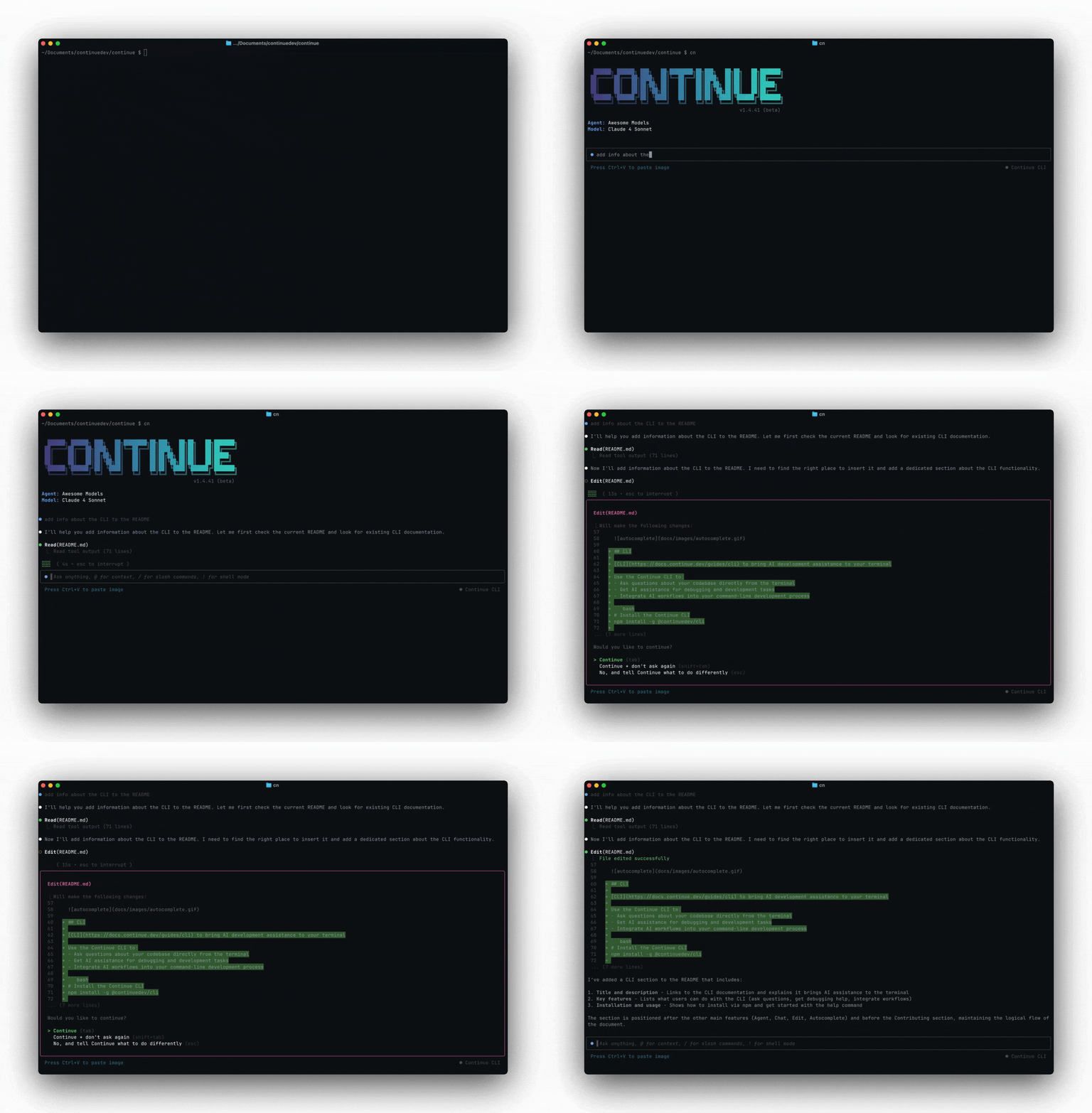
cn to start an interactive session. You get a prompt where you can type messages, reference files with @, and use slash commands. cn uses the same underlying agent as the Continue IDE extensions.
@ Context
Use @ to point the agent at specific files or directories:
Slash Commands
Type/ to see available commands. Run /help for the full list.
| Command | What it does |
|---|---|
/model | Switch between configured chat models |
/config | Switch configuration or organization |
/compact | Summarize chat history to free up context |
/fork | Branch the conversation from the current point |
/resume | Pick up a previous session |
/info | Show token usage and cost for this session |
/init | Create an AGENTS.md file for the current project |
/mcp | Manage MCP server connections |
Resume previous sessions
Pick up where you left off:Tool Permissions
Tools that can modify your system (file writes, terminal commands) prompt for approval before executing. You get three options:- Continue — approve this call
- Continue + don’t ask again — approve and save a policy rule to
~/.continue/permissions.yaml - No — reject the call and give the agent new instructions
Read, List, Search, Fetch) run automatically. See tool permissions for the full policy system.