

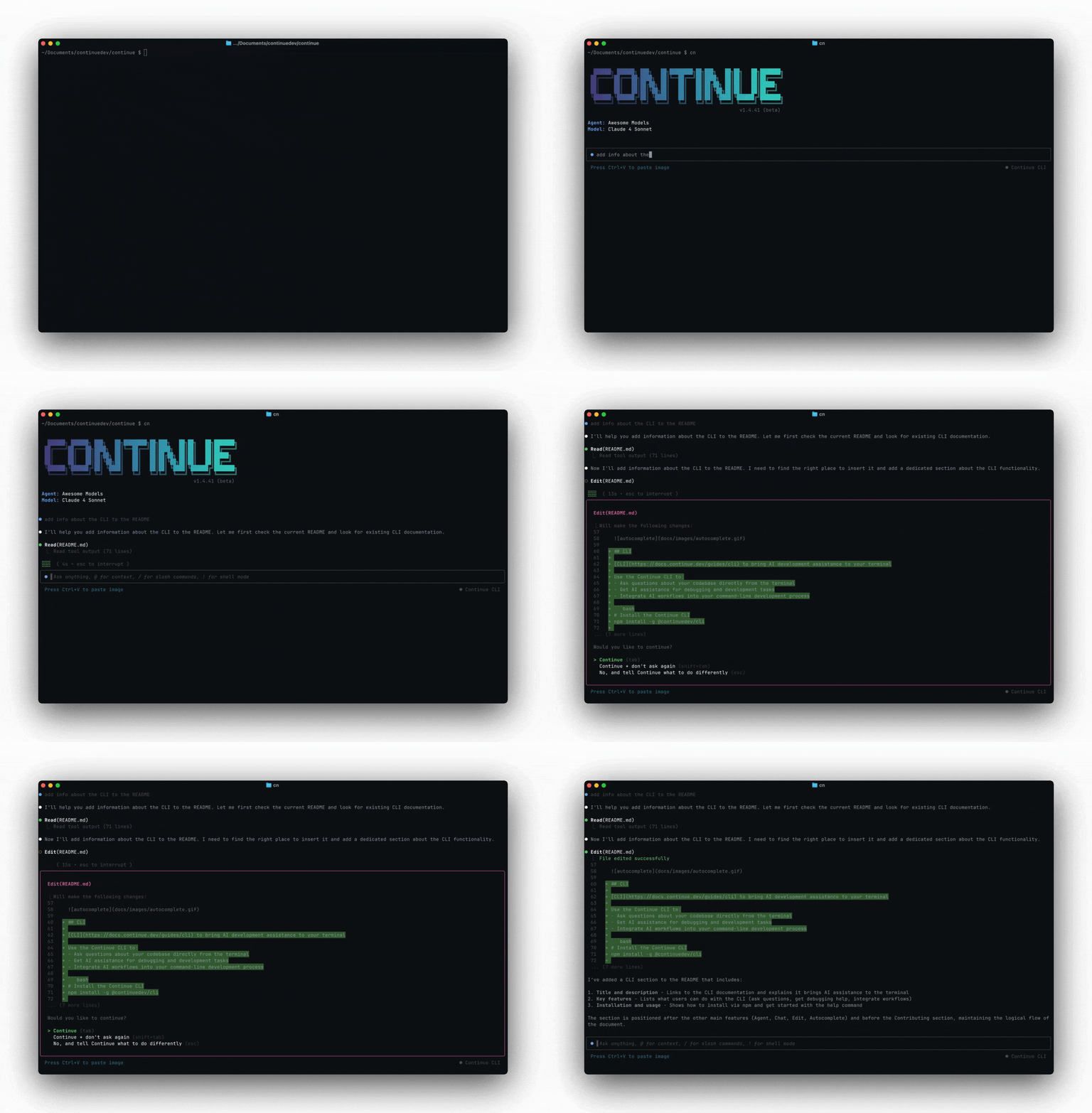
cn) is a terminal-based coding agent. It can edit files, run commands, and work through multi-step tasks — the same agent that powers the Continue IDE extensions, running in your terminal.
Install
- macOS / Linux
- Windows
- npm (cross-platform)
First run
Two modes
TUI mode — runcn to start an interactive session. You type messages, reference files with @, approve tool calls, and iterate with the agent. This is the default.
Headless mode — run cn -p "your prompt" for single-shot automation. The agent runs to completion and prints its response to stdout. Use this in scripts, CI/CD, and git hooks.
Common flags
| Flag | Effect |
|---|---|
-p "prompt" | Headless mode — run prompt and exit |
--config <path or slug> | Use a specific config file or assistant |
--resume | Resume the most recent session |
--auto | Allow all tools without prompting |
--readonly | Plan mode — read-only tools only |
--allow <tool> | Allow a specific tool (repeatable) |
--exclude <tool> | Exclude a specific tool (repeatable) |
--rule <rule> | Add a rule — file path, hub slug, or string (repeatable) |
--mcp <slug> | Add an MCP server from the hub (repeatable) |
--model <slug> | Add a model from the hub (repeatable) |
--agent <slug> | Load an agent file from the hub |
--verbose | Enable verbose logging |
cn --help for the full list.